Clean APG Unit (based on Harman-F AiO Firmware (GitHub))
Problem description
Harman DiscoverPro MIB2 (3G0035021B) with APG-Patch from 2018 freezes in navigation app after boot-up very often. Reboot needed to get system running again. Probably patch got partially destroyed by frequent map updates. Decision taken to clean device and start from the scratch.
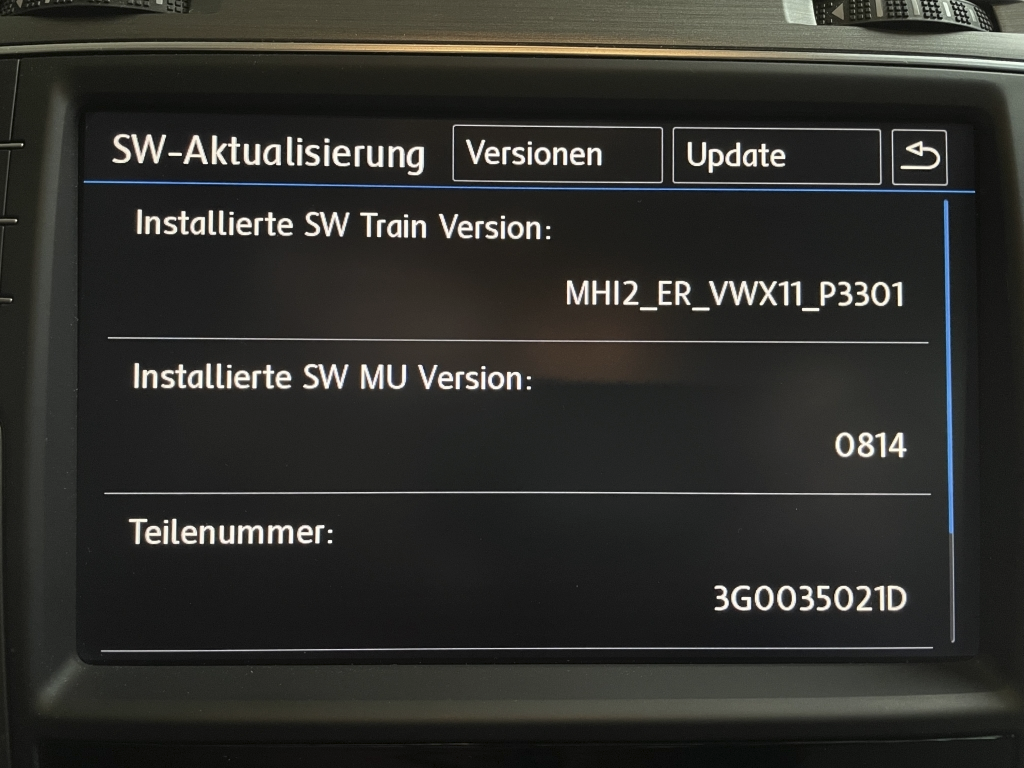
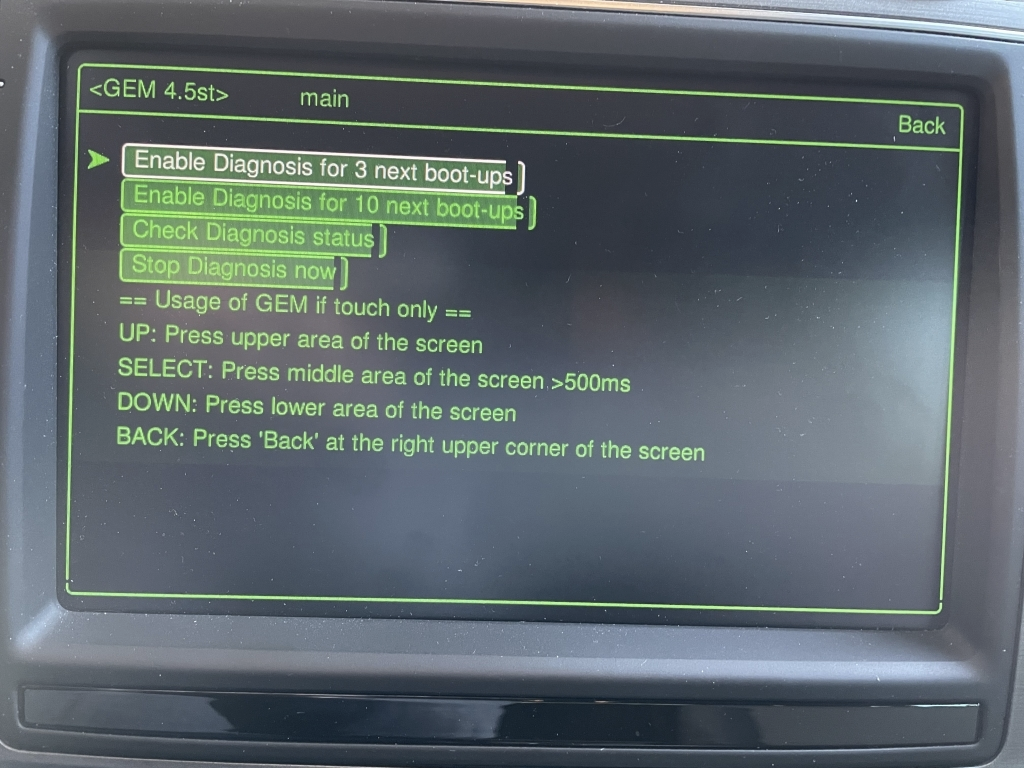
SW Train Version before patch: MHI2_ER_VW==X==11_P3301 (X instead of G which blocks normal firmware update by user) & no proper green menu:
Process of installation
-
Go to MIB solution Harman section and have a look and download the latest AiO which is matching your car brand and SW Train. In this case:
MHI2_ER_VWG11_K3342_1_AIO_MU1427-20230318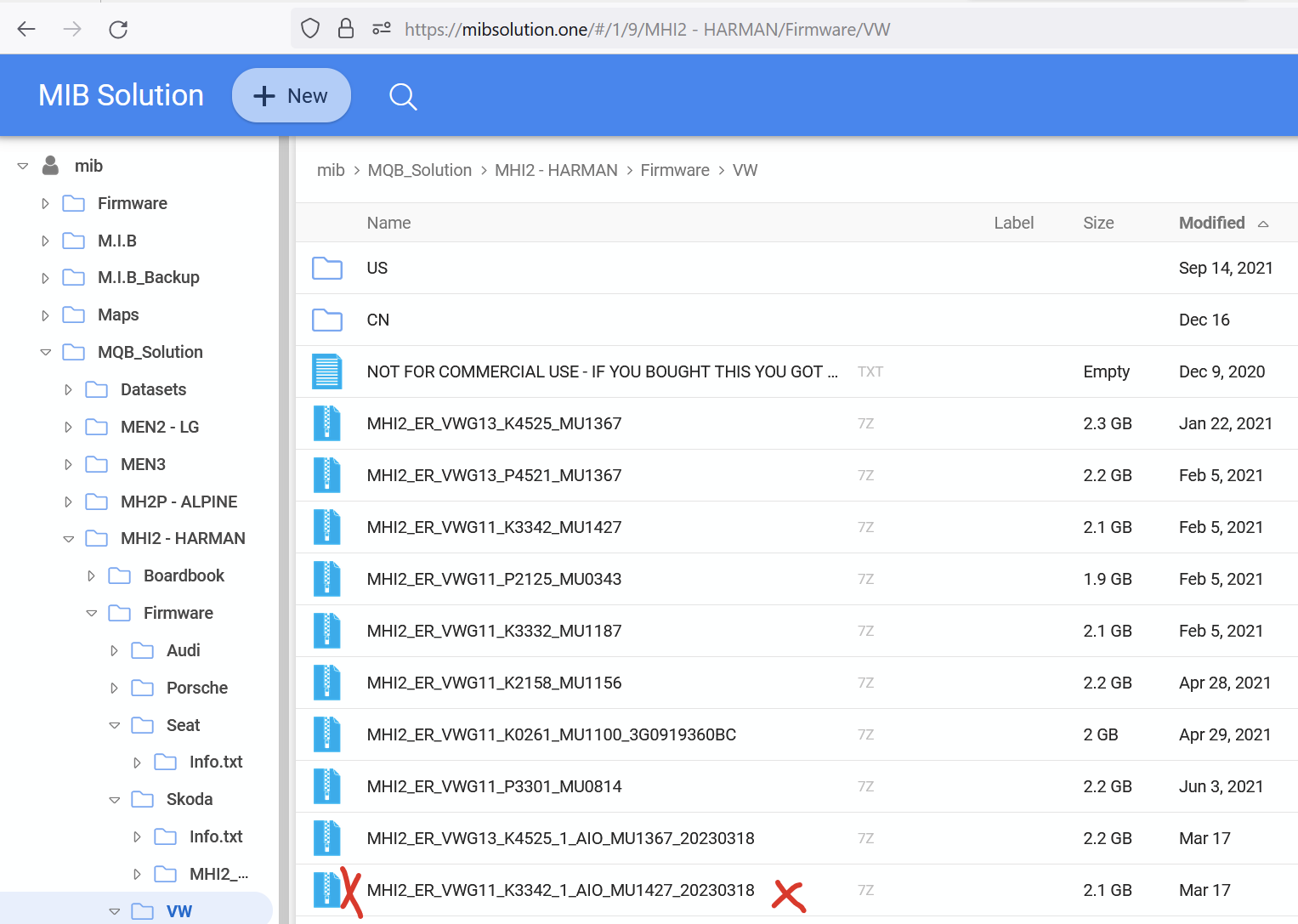
\ 2. Extract all files to an SD-Card. Please refer to the GitHub from Harman-f for further information:
https://github.com/harman-f/MHI2_MIB2_AIO_FW_Update_Template/wiki/AIO-installation
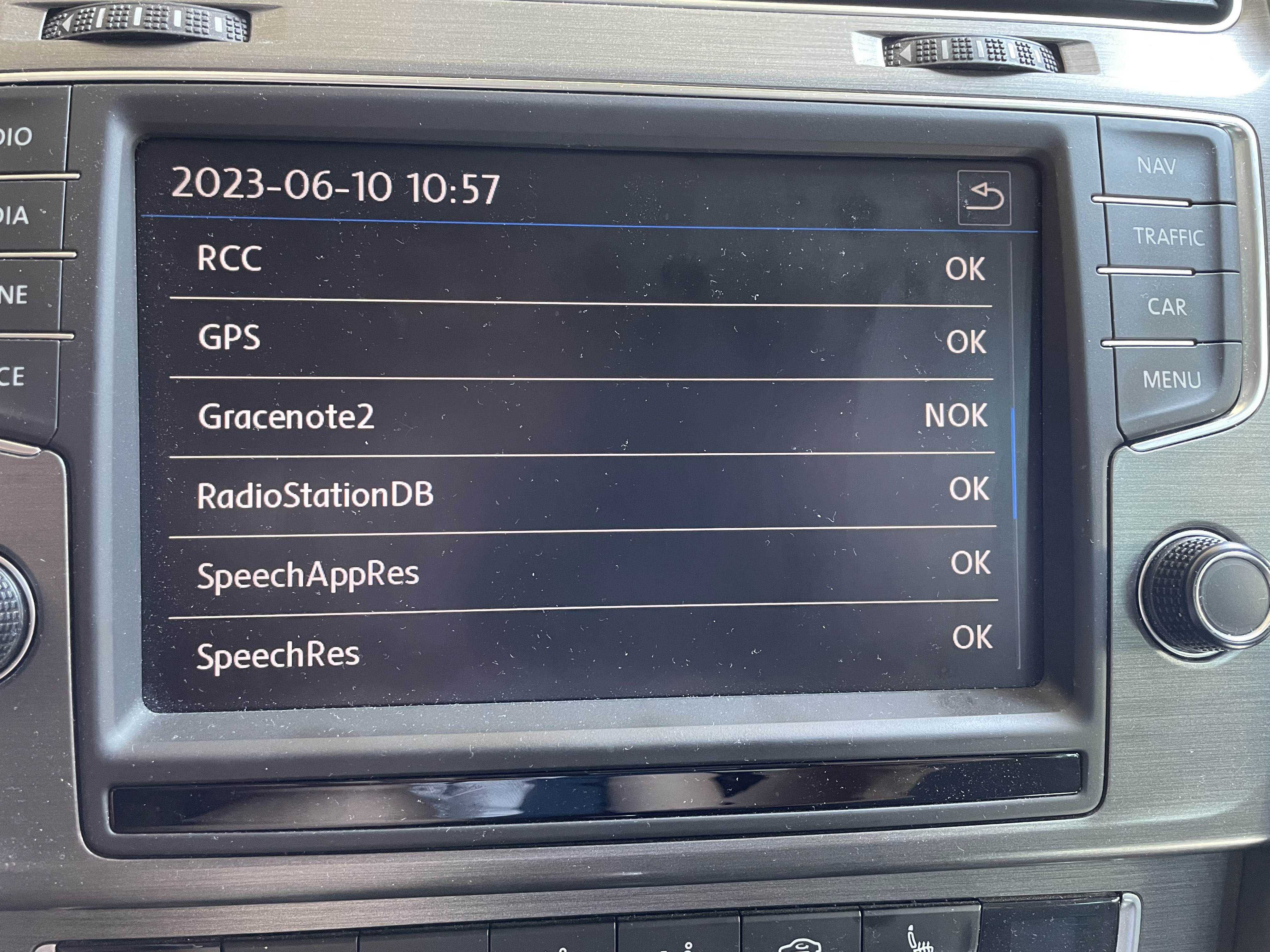
\ 3. I did not integrate the Gracenote database to the SD-Card at the beginning. This will show up later with an error which can be skipped and ignored during installation.
\
4. Before installation the metainfo2.txt in the root folder of the created SD-Card needs to be modifed as shown here. Changes applied in this case (VW and MIB2 firmware G11):
MHI2_ER_VWG11_* → MHI2_ER_VWX11_* 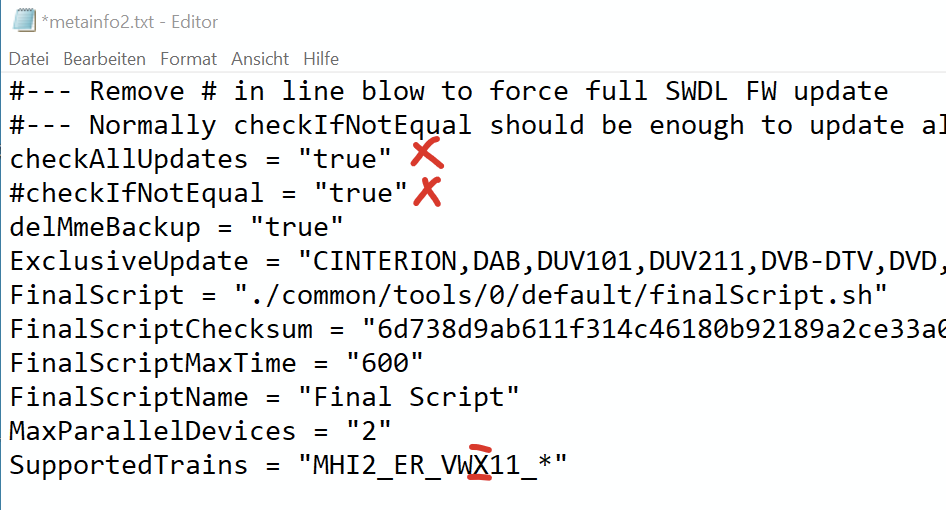
If SW Train is not adpated the installation will be refused by the device with a version conflict error:
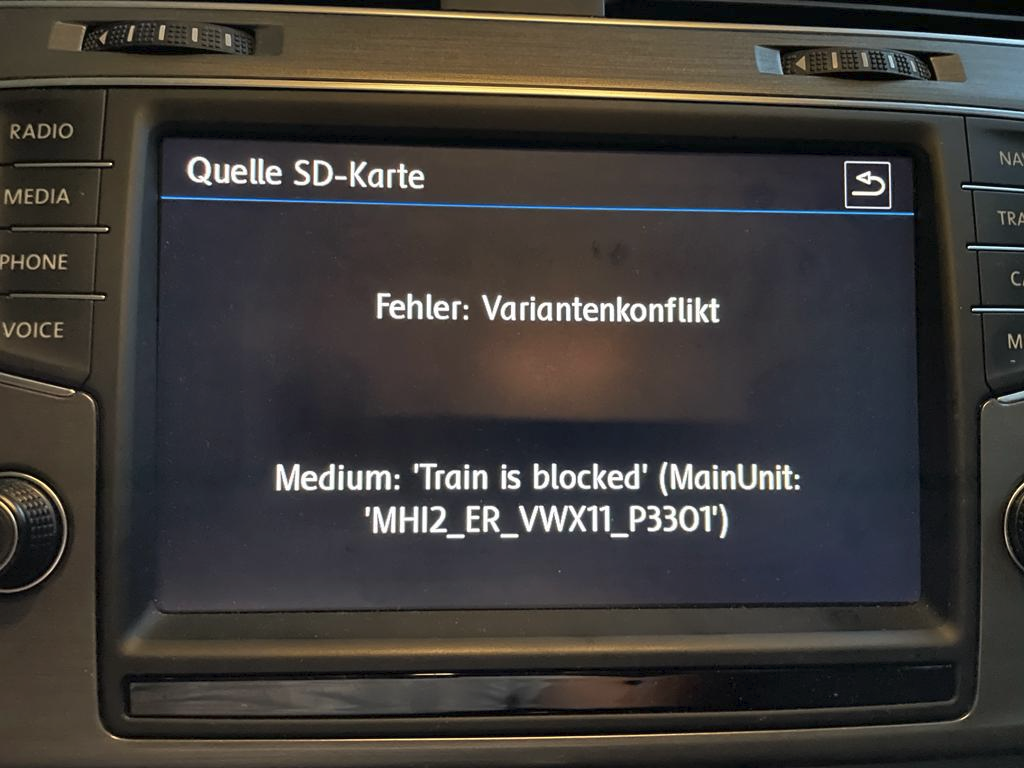
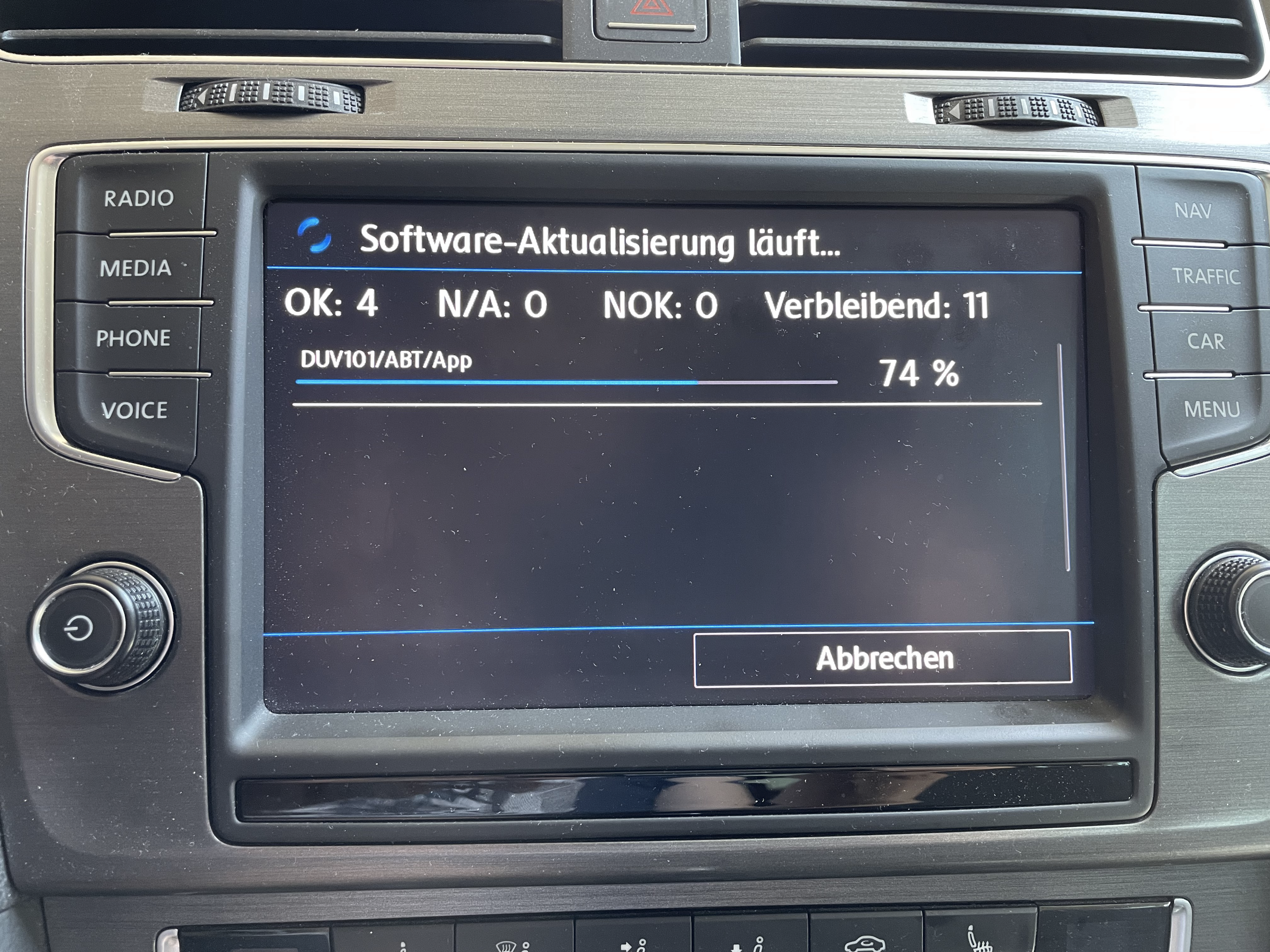
\ 5. Insert SD-Card in Harman unit and start installation via normal Firmware update or SWDL-update. This takes a while and a couple of reboots.
\ Installation finished with expected Gracenote2 error.
\
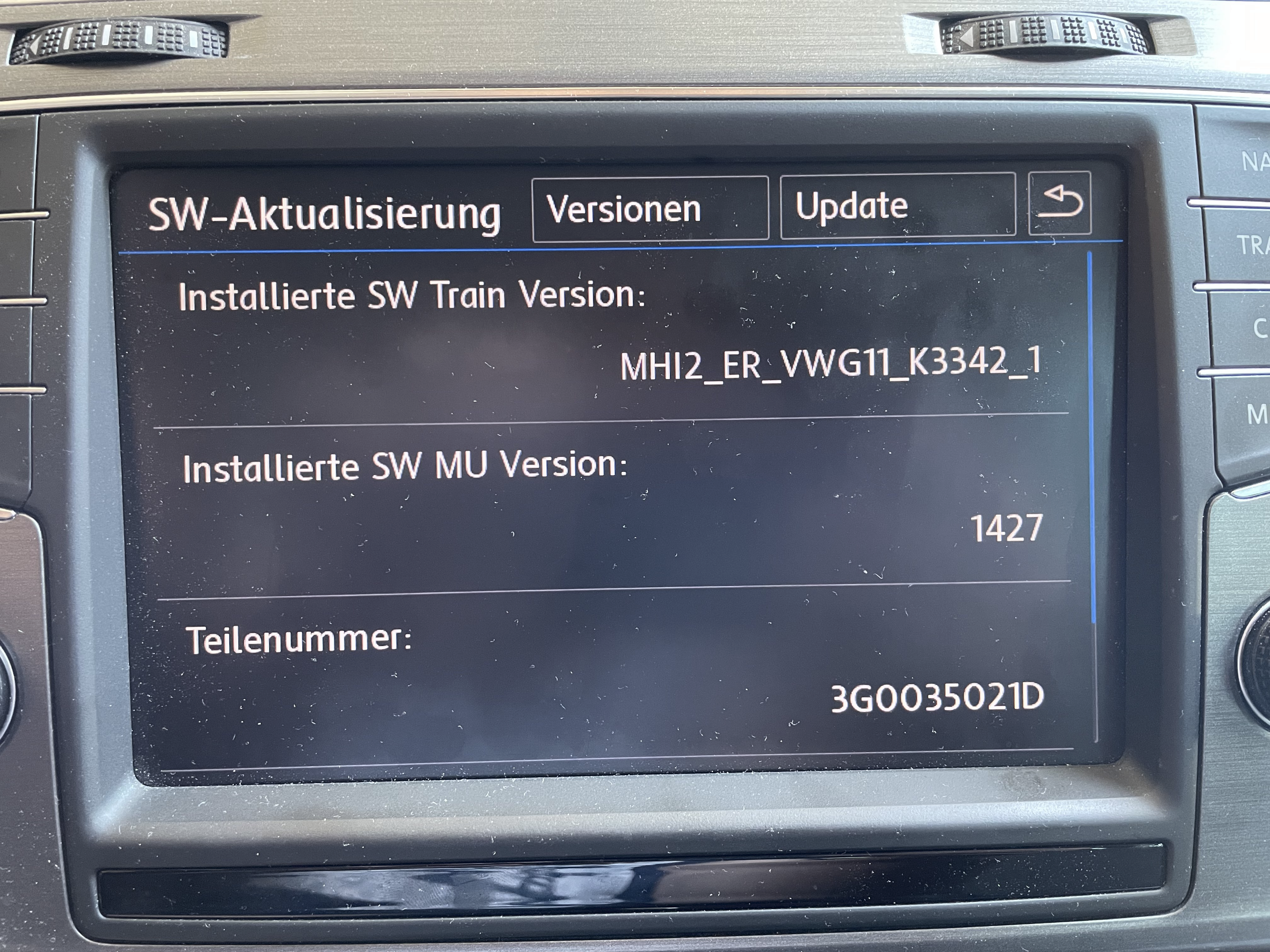
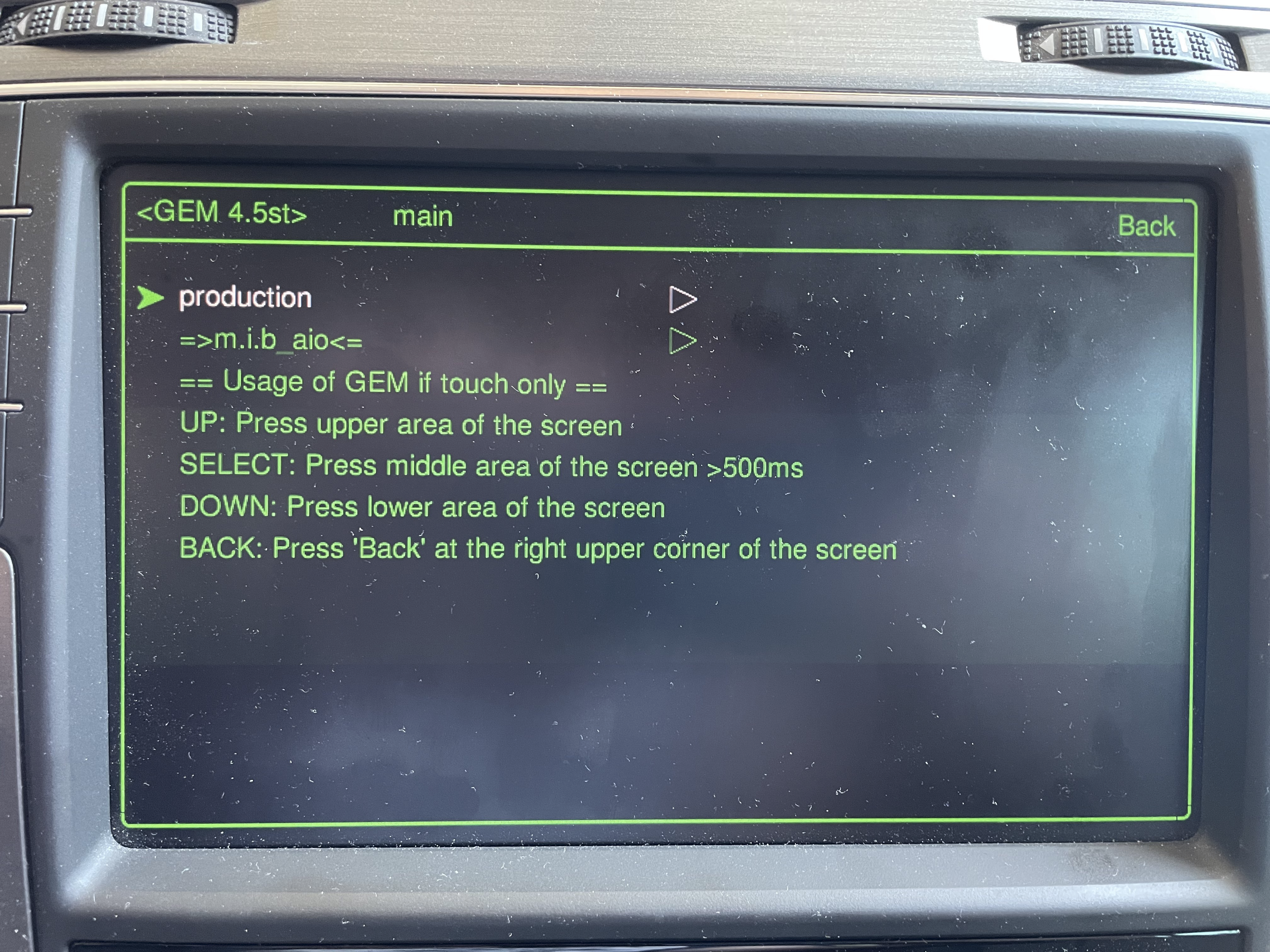
6. After reboot SW-Train was updated to latest one with G11; Green Menu updated as well (with small version of M.I.B. - More Incredible Bash installed)
Problem after installation
No FEC and SWaP Codes available (Navigation, Bluetooth, Voice Control, CarPlay and Android Auto not working) 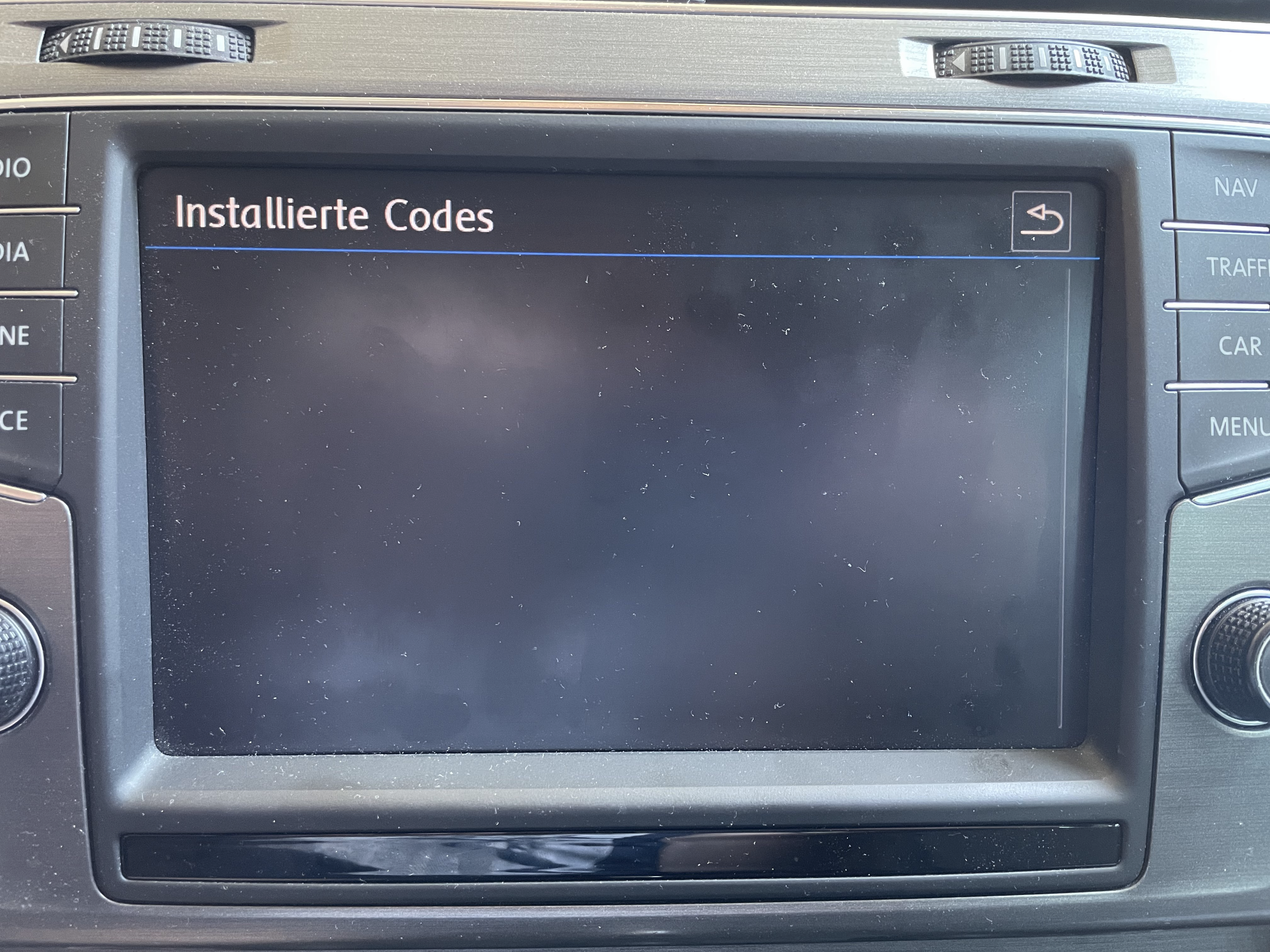
Solution
Symbolic link of FEC folder in the RCC file system (/mnt/efs-persist/FEC) needs to be removed and newly created as normal folder. AiO firmware is not able to create patched FEC/SWaP-Codes because symbolic folder FEC is not available. See also here for information: https://mibwiki.one/doc/clean-apg-unit-weHgvX9raB
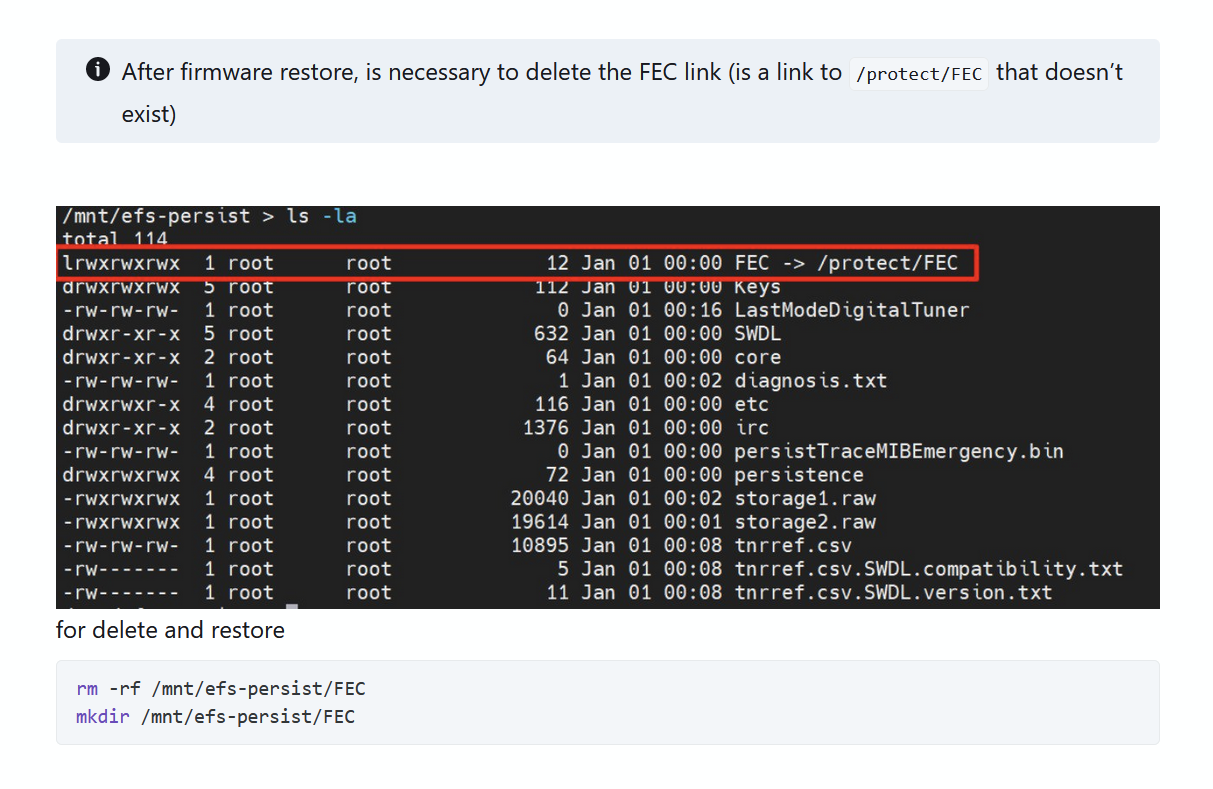 Connect PC via D-Link adapter and login into RCC port
 123 with e.g. Putty or Windows Telnet. Execute both Telnet commands.
After creating the new FEC folder in /mnt/efs-persist (RCC system) run the patch from M.I.B More Incredible Bash again and the FEC and SWaP codes should be created properly.