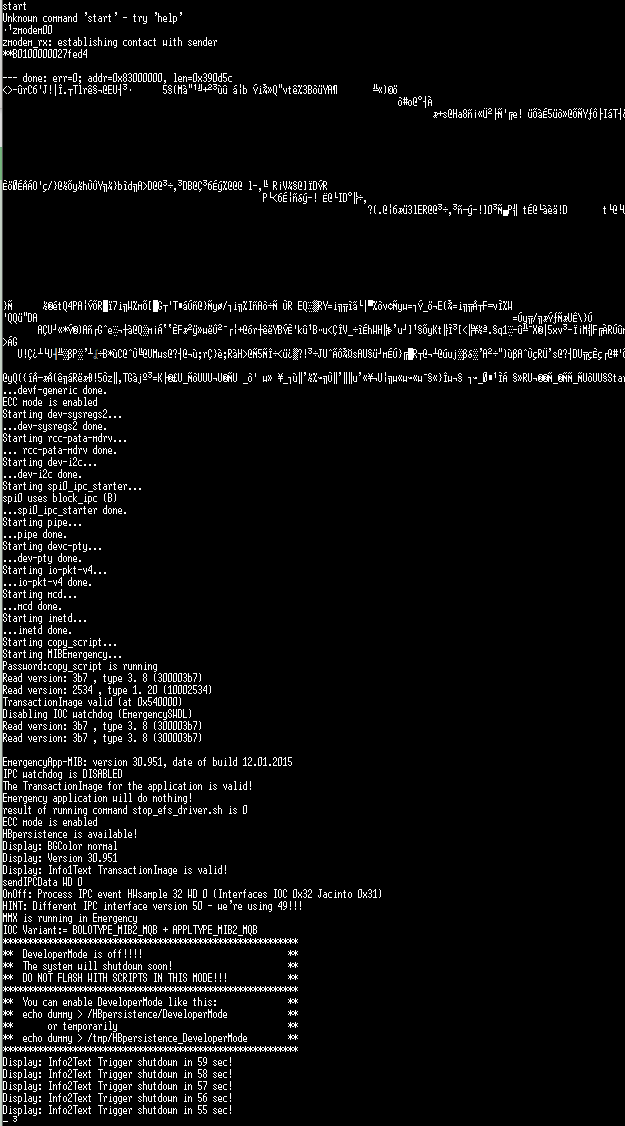
How to boot ifs-emergency.ifs via zmodem in CLI
If "boot -t emerg" from CLI does not run Emergency IFS as ifs-emergency.ifs partition in RCC NOR got corrupted you can use zmodem CLI command for uploading ifs-emergency.ifs to RAM and boot/ run from there.
This will allow you to proceed with repairing of RCC flash but only if MMX is still OK as you need SD card to be accessible via /net/mmx/fs/sda0
:::info When you stop IPL and enter CLI, you only have 30 seconds to enter commands. After 30 seconds IPL closes CLI and continues the booting process.
As uploading of ifs-emergency.ifs over zmodem at 460800 bps requires about 90 seconds you need to slow down IPL to extend timeout to 150 seconds (also known as 2:30 IPL mode)
:::
Slowing down IPL (getting 2:30 IPL mode)
- Stop IPL and enter CLI and wait 30s so IPL continues to boot
-
Let it boot for a bit (see picture below) and power cycle unit very quickly
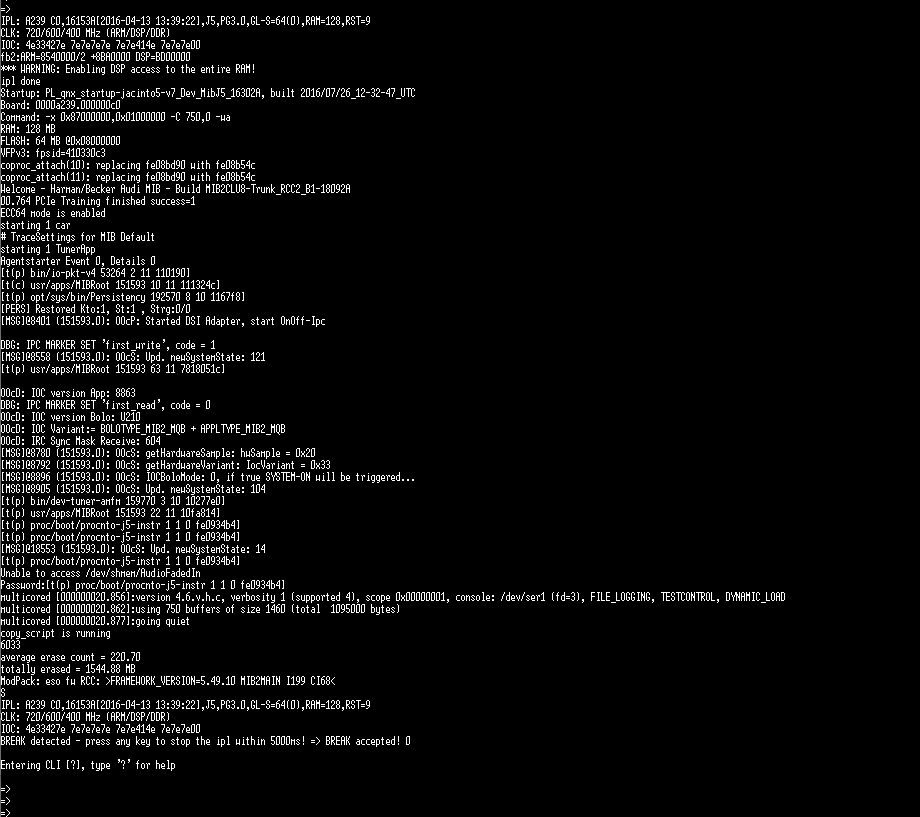 3. Stop IPL and enter CLI again and run zmodem. This time you will have 150 seconds to upload ifs-emergency.ifs at 460800 bps
TeraTerm macro for uploading of ifs-emergency.ifs
- Copy ifs-emergency.ifs into TeraTerm folder (the macro script will search it there)
- Copy zmodem.ttl into TeraTerm folder:
clearscreen 1

;serial port number - adjust to your COM port number
connect '/C=8'
;default RCC baud rate
setbaud 115200

;Macro waits for start input into CLI prompt
wait 'start'
mpause 500
sendln

;increase baudrate to upload image before IPL closes CLI and continues booting after 60s
send 'b460800'
;send 'b921600'
mpause 500
sendln
mpause 500
;setbaud 921600
setbaud 460800
mpause 500

;enable zmodem
sendln 'zmodem'
mpause 500

;copy ifs-emergency.ifs into Tera Term installation root
zmodemsend 'ifs-emergency.ifs' 1

;ifs-emergency.ifs automatically is loaded from memory - login with root now
setbaud 115200

;clears received characters in the buffer of MACRO.
flushrecv
ifs-emergency.ifs upload:
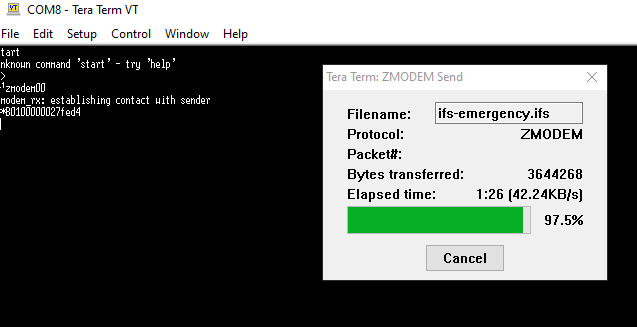
- When the upload finishes and Emergency IFS boots, don't forget that ifs-emergency.ifs is still only in RAM and will be lost after reboot. Flash ifs-emergency.ifs into RCC NOR as soon as possible, so you don't need to play with slowing down IPL and zmodem uploading again. Good luck!