Enabling Vehicle Menu for 04xx in a PQ Vehicle
If you want to have the Vehicle Menu on your PQ Vehicle you should check a few things, to make sure it is a useful function.
The following Menus will work:
- Vehicle Trip Data (Except: Data since refueling)
- Offroad Menu (But this can be used even without PQ Menu if you have the correct FECs installed)
- Think Blue Trainer (Will only show consumption, no rating for your driving)
- Driving School Mode. The same as Vehicle Trip Data but shows your Blinkers and Speed as well.
The following Menus will NOT work (at least to my knowledge)
- Vehicle Status
- Sport Monitor (Only Oil Temp will be shown 3x)
- Vehicle Settings
Basically, you can only display your trip and some other informations on your MIB Screen. If you think that this is useful, you can continue from here on.
The MIB2 System gets the Data for all of the Trip stuff like Consumption, Speed, Travel Time and so on from your Instrument Cluster /MFA/ MFD/ Little Screen behind your steering wheel, however you want to call it.
There are a few different types. The following Cluster Screens could be supported:
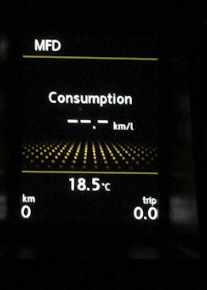
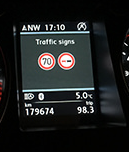
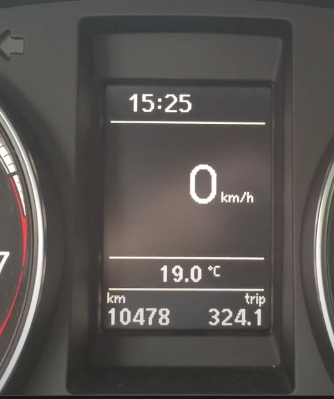
But a special Software Version needs to be installed. To check for that, use OBD11 or VCDS to get your SW-Version:
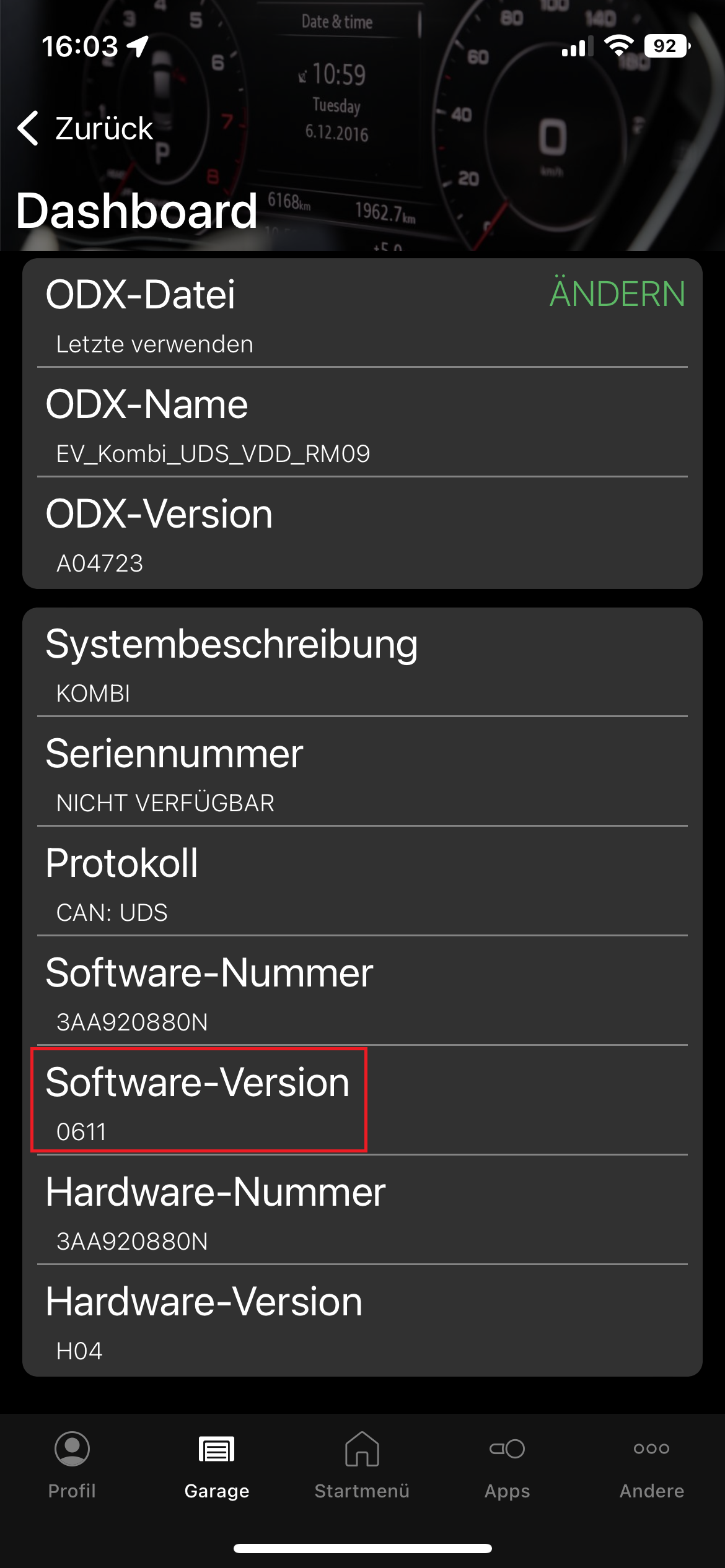
If your Software is 0500 or higher, your Trip Data can be obtained and some of the Menus will work. Some Clutsters can be upgraded through VCP/Odis, in some cases you need another cluster. Be aware that for MK6 Golf, the Immobilizer and Key Info is stored in the cluster and you have to be really careful. If you have a Passat B6/B7 you can easily replace the cluster with a fitting one but lets not go to deep into this topic.
If you have a PQ Unit from VW on Software 04xx and are from EU, you´ll have a really easy time. You can use a pre-made patch from MIBSolution you can download here:
https://mibsolution.one/#/1/9/MST2 - TechniSat Preh/Firmware/VW_PQ/EU

If you´re not on 0478T already, you have to update to that first. This firmware is also present in the folder.
For any other usecases, you have to use the "manual" method. This method could brick your unit. Be very careful. I don´t take any responsibilities.
You will need the same firmware for PQ and ZR on your PC.
I used 0480T for this.
I suggest to make a clean install through SWDL of 0480T on your machine.
(Basically, go to hidden Menu → Testmode → SWDL → Click the Checkbox for manual SWDL → Softwareupdate → SD-Card → on top, select all (all modules will be re-installed)).
This will take some time.
After that, you need to patch SWDL for Custom (not verified) Metainfo2.txt.
Install Mib2STDToolbox on your unit, run it, go to tools and select the Metainfo2 patch.
Also run the SystemInformation in Toolbox and search for the Variant. Write that down like here:
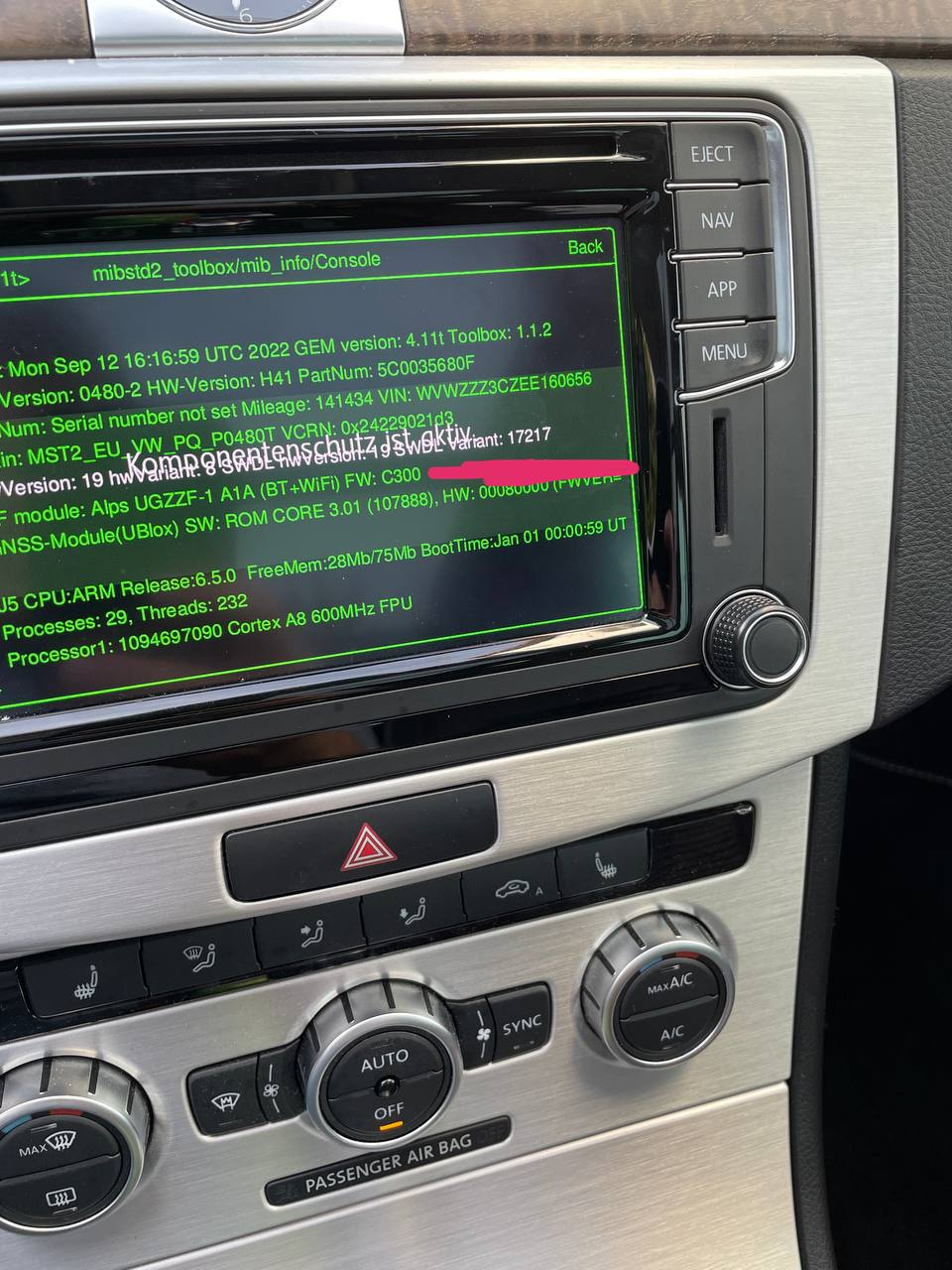
After that, move back to your PC. You now have to modify the ZR 0480T firmware to include your variant.
Copy the extracted ZR 0480T firmware to an SD-Card.
Open the metainfo2.txt file on your PC and remove the file-lock.
Search for hmizr.
You should get to results.
cpu\hmizr_EU_stdNavi_stdZR_vw\36\default\Application if you have a unit with Nav
cpuplus\hmizr_EU_stdPlus_stdZR_vw\36\default\Applicationif you have a unit without Nav
Depending on your unit, scroll down below the checksums and note the number of the Variant. In my case i used: "17206". Now replace all of the occurances of 17206 with the variant of your unit. In my Case, it´s 17217.
Save the file and go to your car.
Now, go to Service Menu → Testmode → SWDL → Manual Mode → Software update → SD-Card.
Now go inside CPU scroll down until you find hmizr. Select only this and click on install.
ZR-Menu will now be installed.
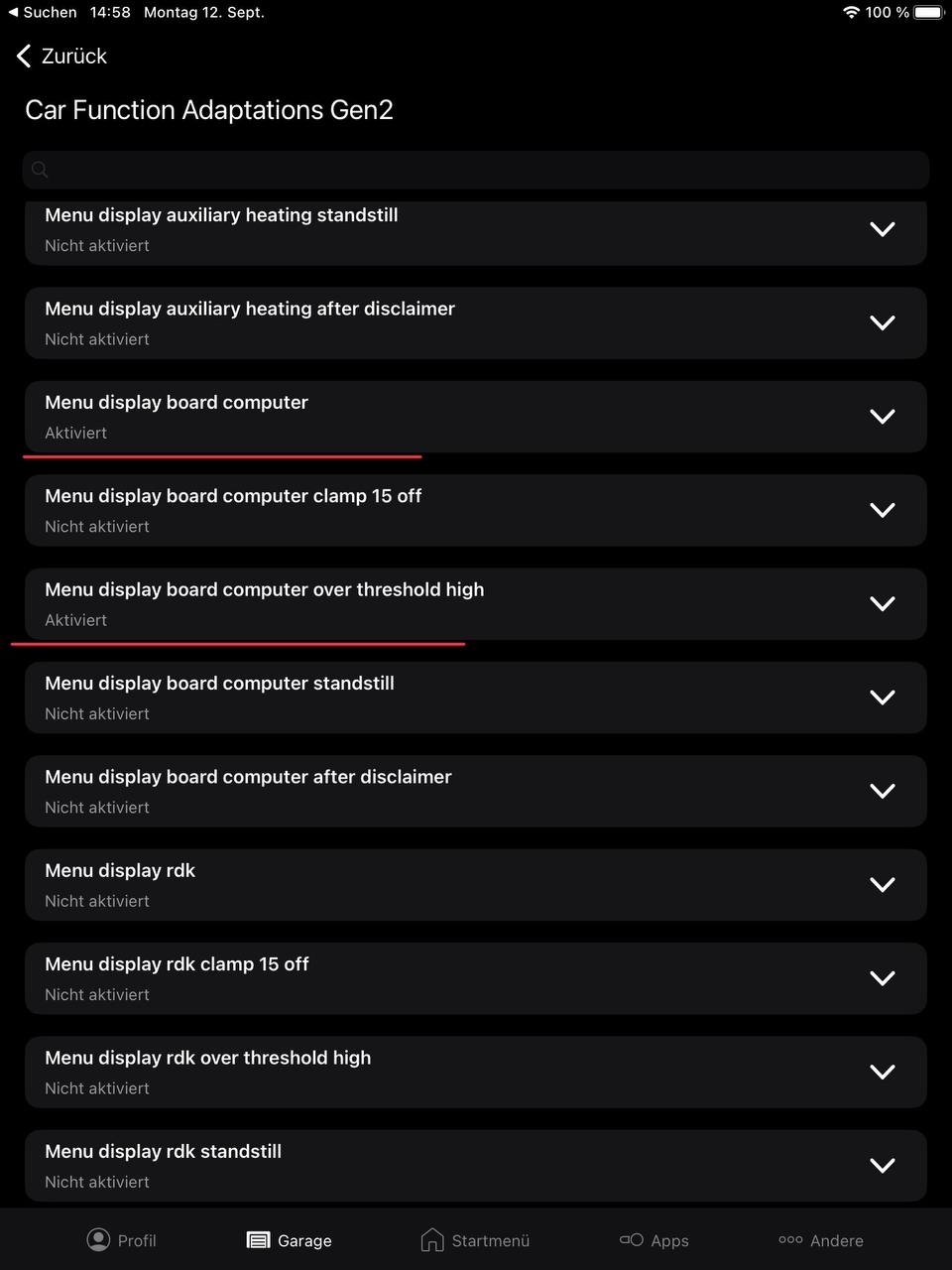
After that you need to do some adaptations in your 5F unit to get the Vehicle Menu to be shown.
The following ones will enable at least the Vehicle Trip Data.
\
\