Audi AID/FPK/KI/VC/VIS cluster version information and hidden menus
MaxiDOTs version info
Turn on ignition and quickly repeatedly press/release the 0.0 / SET key
https://www.drive2.com/l/679326388347473898/
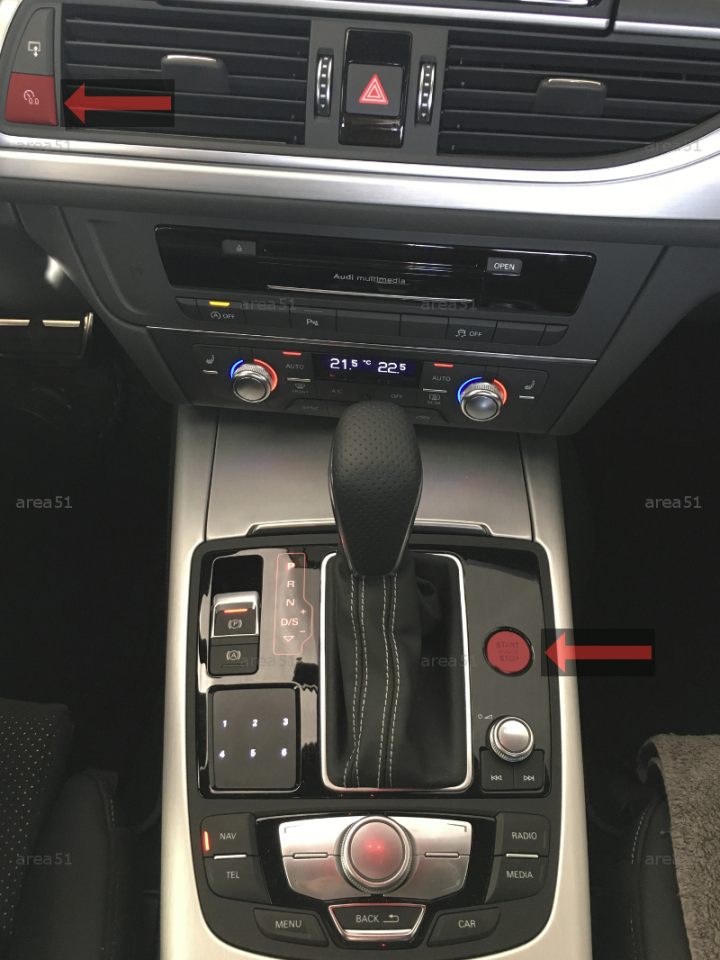
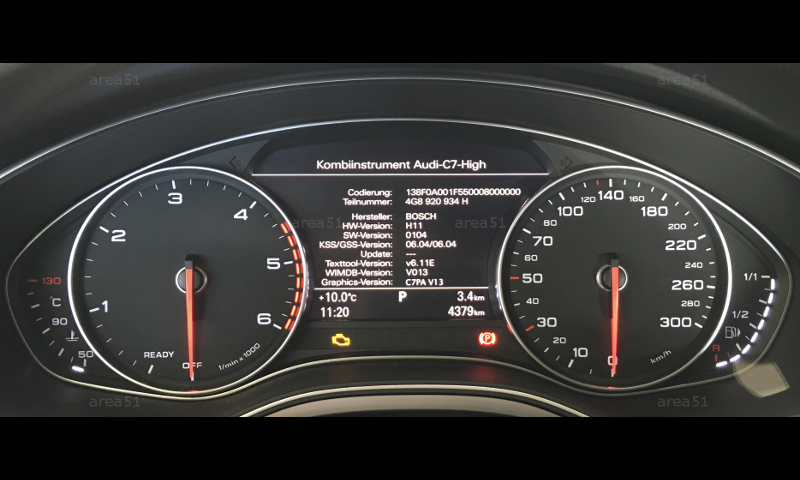
Audi A6 C7 version info
- Switch off the ignition
- Keep holding "0.0" button and switch the ignition on
Audi A6 C8 version information
- Switch the Ignition on
- Set instrument cluster to trip data
- On the steering wheel, keep holding for 10 seconds the button, situated on the left from the
OK wheel. - Go to
Version information.
https://www.youtube.com/watch?v=xuzkiVJ41HU
Audi A3 8V Green Engineering Menu (GEM)
- In adaptations of the block/STG/module
17, enable developer mode - Turn the ignition on.
- On the steering wheel, keep holding
"OK wheel"and">"buttons at the same time, until GEM appears.