Telnet client- Putty
Telnet client
Any Telnet client can be used. The most popular is https://www.putty.org/
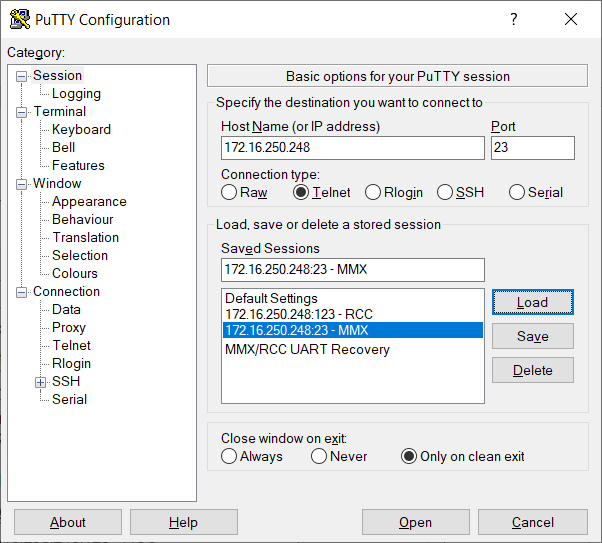
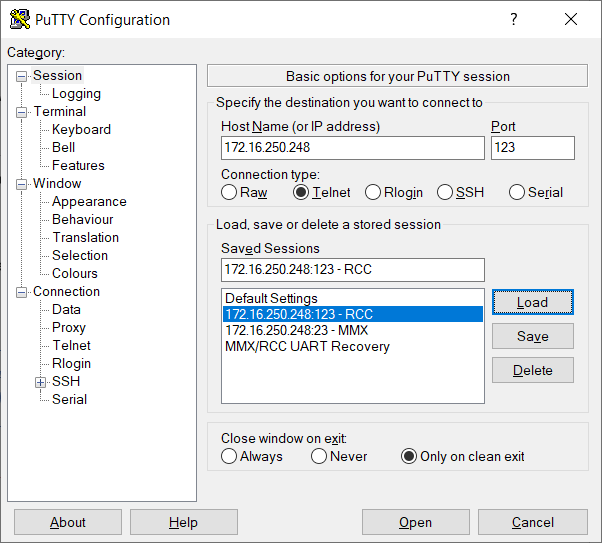
The MHIG/MHI2/MHI2Q support two telnet ports to login to RCC and MMX
· IP address for both: 172.16.250.248
· RCC port: 123
· MMX port: 23
:::info Recommendation: Always use RCC, in case of wrongly used flash commands the risk to damage MMX is smaller.
:::
Putty settings
:::info D-LINK or compatible USB to ethernet adapter required
On the PC set IP address to: 172.16.250.123 Net mask: 255.255.255.0
:::
\