Audi R8 2015 ASI/VC Update
Hi Everyone!
I want to share my experience with applying ASI to a 2015 Audi R8.
First I enabled GEM /SWDL then selected all Y(es) and updated to MHI2_ER_AU62x_P5099_MU1340 (R8)
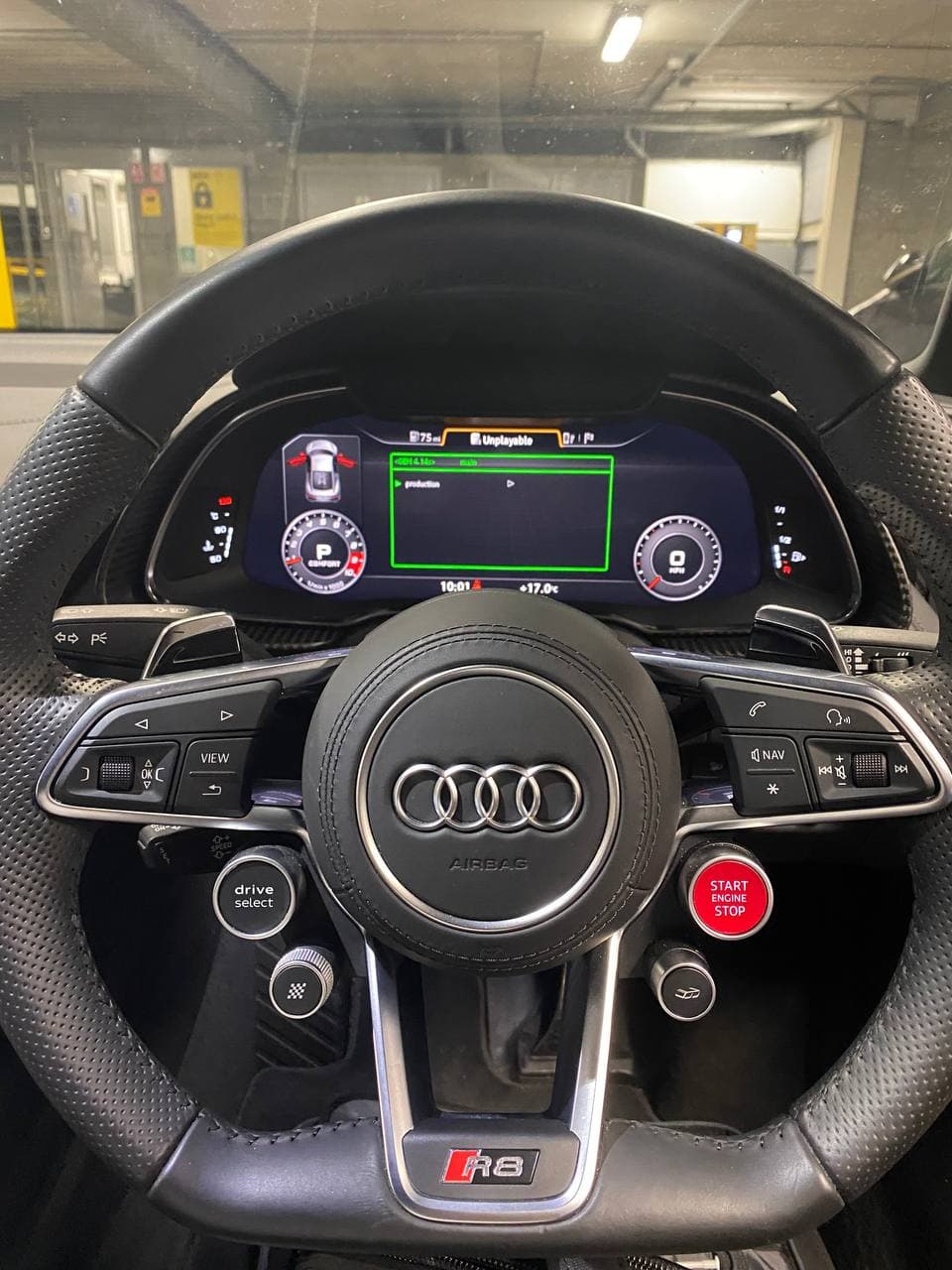
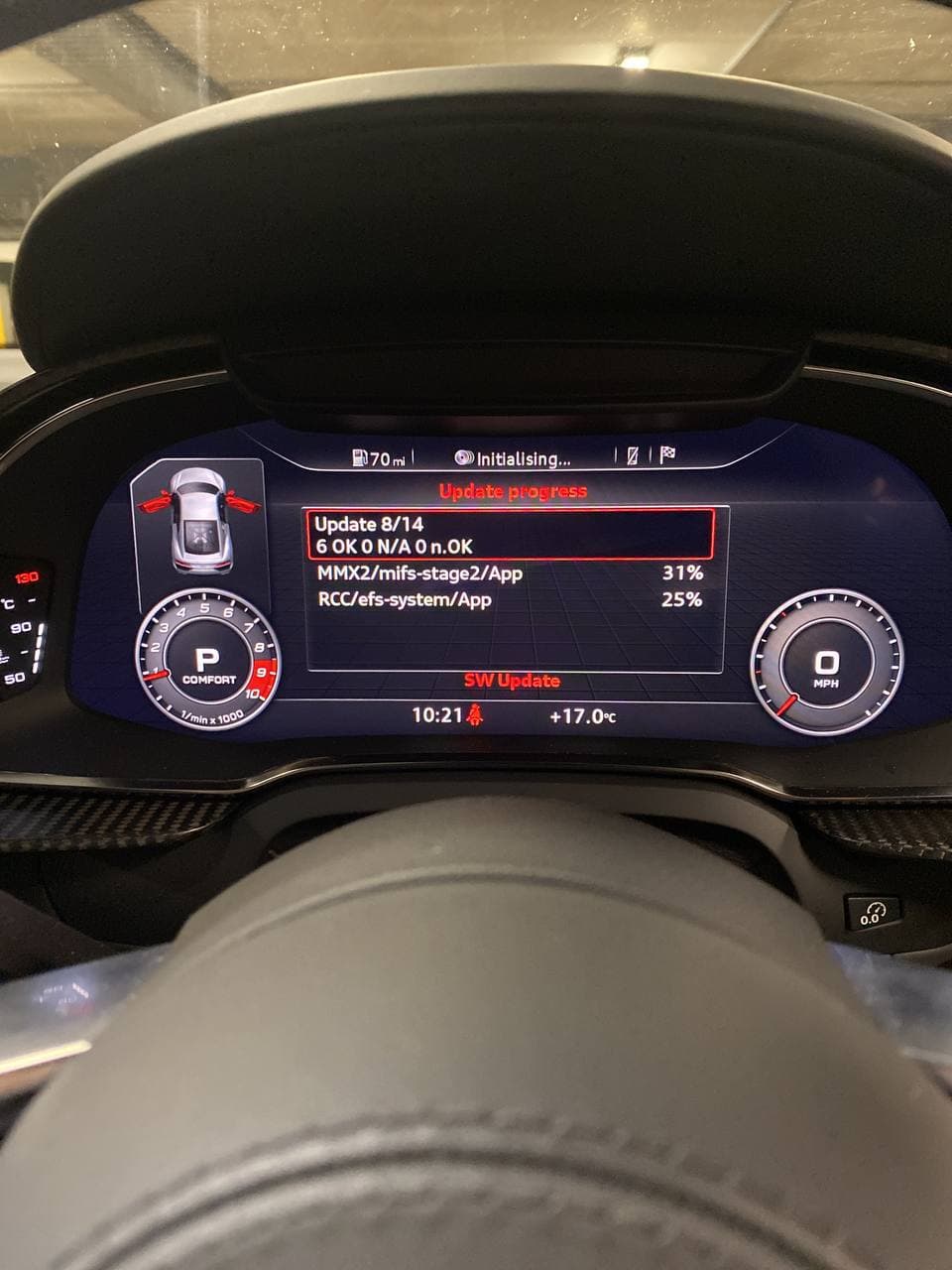
I then applied CarPlay/AA and lifetime maps using M.I.B. Once, this was done I realized that ASI button in cockpit was not visible → VC update was needed.
However, it was not clear if VC can be updated with ease.
Here is a VCDS scan of 17 showing the VC is LETTER LESS. In Audi TT these clusters can not be updated to support ASI. Luckily, it turned out, that this is different on R8.
Address 17: Instruments (J285)       Labels:* None-SRI2 Part No SW: 4S0 920 790
HW: 4S0 920 790 Component: FBenRDW       H14 0225
Coding: 242D32C0BA8206000130ECC41000001000000000 Shop #: WSC 02391 785 00200
ASAM Dataset: EV_DashBoardBOSCHAU724 001020 ROD: EV_DashBoardBOSCHAU724.rod VCID: 72B6B33A0429EC7BA15-8026
To update the VC I downloaded AU_C1_AU724_0253_0400_prod_8S0906961AF_R8 from mibsolution.one
I extracted all files to SD card (FAT32 formatted).
From SD1 I started a standard FW update from the red menu. I placed the key against the steering column where the emergency key power is located. However, I was told this is not necessary.
After update was completed the VC is now on FW 0253.
And all is working fine, as hoped for!
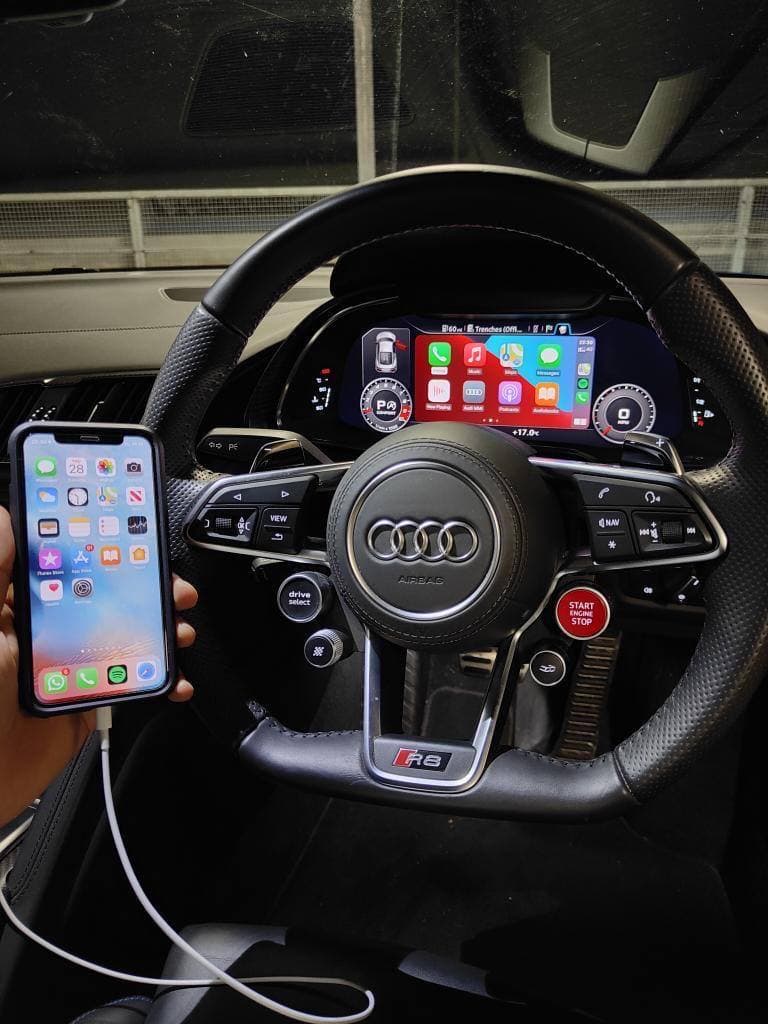
\ I hope this helps you guys :grinning:
\
\