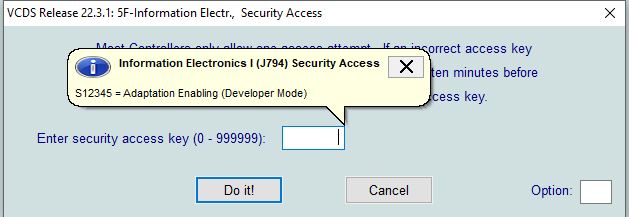
VCDS Developer mode - Key S12345 is Invalid!
If S12345 script for Developer mode doesn't work and you get error "Key S12345 is Invalid!"
It's because VCDS can't match correct label file with FW version and unit.
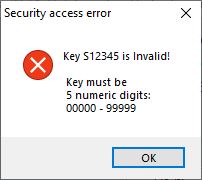
\n \n And in 5F > Advanced ID > is on bottom Labels: None

\n In folder C:\Ross-Tech\VCDS\Labels are labels named: \n 3V0-035-MIB-STD2.clb for Skoda MIB2 STD units \n 5G0-035-MIB-STD2.clb for VW MIB2 STD units \n 5F0-035-MIB-STD2.clb for Seat MIB2 STD units \n \n 3V0-035-MIB-HGH2.clb for Skoda MIB2 HIGH units \n 5G0-035-MIB-HGH2.clb for VW MIB2 HIGH units \n 5F0-035-MIB-HGH2.clb for Seat MIB2 HIGH units
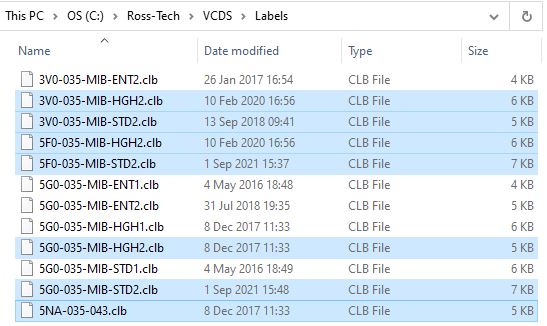
\n Copy file (depend on your unit) to somewhere else (let say Desktop), rename it to part number of your unit (example 5NA-035-043.clb) and place it back to C:\Ross-Tech\VCDS\Labels\ and try to connect to MIB2 unit once again. Now you should see label in Advanced ID and S12345 script for developer mode should work. \n